Start from a ready-made scene
Choose the layout, send the photograph, and the settled art direction does the rest. One photograph, a finished page.
You used to write prompts by hand. Templates skip all of that — pick a card below, upload your photo and get the same scene in one click.

 NEW IMAGE
⚡ Generate
S-Curve Hip Sway

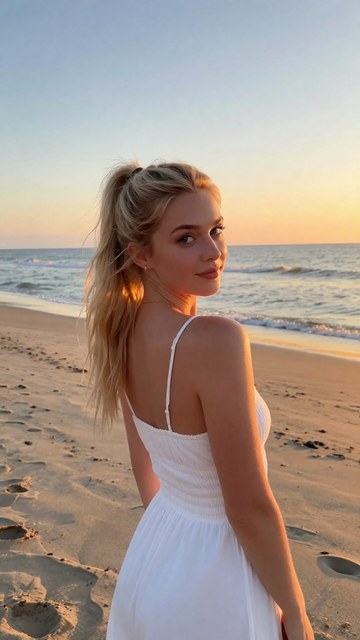 NEW IMAGE
⚡ Generate
Beach Lesbian Oral

 5s
⚡ Generate
Throat Grab, Fucked

 NEW 5s
⚡ Generate
Quick Tits Flash (HD)
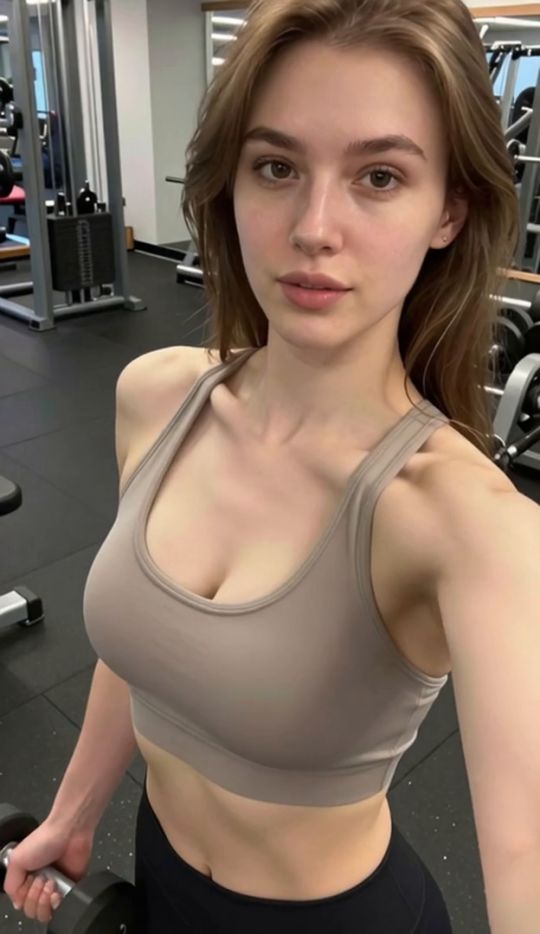
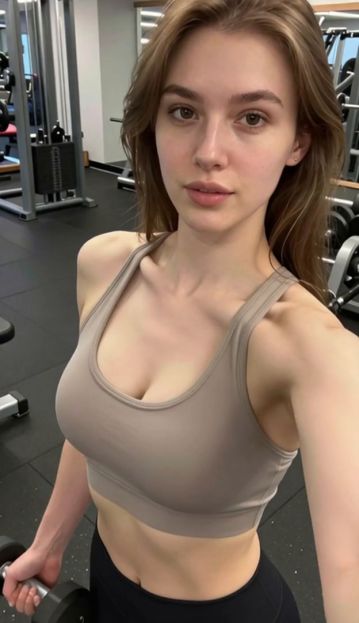 5s
⚡ Generate
Extend Clip Close-Up

 NEW IMAGE
⚡ Generate
Hidden Cam in the Bathroom
 5s
⚡ Generate
Extend Clip Dance

 5s
⚡ Generate
He Jerks, Cum in Mouth

 5s
⚡ Generate
Cock Deep In Her Pussy

 NEW IMAGE
⚡ Generate
Squatting, Legs Spread

 NEW IMAGE
⚡ Generate
Close Feet & Pussy (2K)

 NEW IMAGE
⚡ Generate
Lakeside Camping
The finishing department
Image upscaler: the final page, at full size
Send a finished page and this department raises it to high resolution — recomposing texture and sharpness rather than stretching pixels. One enlargement costs 61 credits. It is the last desk a keeper visits before it leaves the studio: the difference between a page that fills a telephone and one that fills a wall.
The engine does not interpolate; it re-renders. Skin gains pores instead of blur, hair separates into strands, cloth recovers its weave, and edges that were suggestions become decisions. What enters is composition; what leaves is a printable, publishable final page.
Enlargement is recomposition, not stretching
A naive enlargement has one move: guess the pixels between pixels, which is why stretched pages look like watercolor. This engine was trained on what high-resolution adult photography actually holds, so it rebuilds plausibly: the catchlight in an eye, the grain of skin at a shoulder, the stitch on a seam. The composition is yours and never changes; the detail is composed to match what a sharper camera would have recorded. That is also the honest limit: it cannot recover a face that was four pixels wide, because there is nothing to rebuild from.
When a page deserves 61 credits
Not every page does. Drafts, proofs and composition studies should stay small — enlargement is a finishing cost, spent once per keeper. The pages that earn it: the premium page you approved, the layout result you intend to publish, the serial portrait that will represent a heroine everywhere. A useful rule from the publishing side of the studio: if the page will be read larger than a telephone screen, or read twice, it has earned its enlargement.
Preparing the original
Give the enlarger the cleanest version you hold: the original printing, not a screenshot; the unfiltered file, not a compressed repost. Compression blemishes are details too, and the engine will faithfully sharpen them if that is what it is given. If the page passed through the editor, enlarge after the final revision, not before — every later change is cheaper at small size, and the enlargement should be the last paid step in the route.
The finishing route, in order
Regulars run the same sequence: compose in standard to explore, reprint the keeper in premium, revise the one thing, then enlarge once. The total finishing cost stays predictable, and no expensive step is ever spent on a draft. The enlarger is deliberately the end of that route — the desk where a page stops being a work in progress and becomes the version that is kept.
What this department does
True recomposition
Detail is re-rendered from the composition, not guessed between pixels.
Texture recovered
Skin, hair and cloth regain the fine structure that small printings lose.
One plain price
61 credits a page, whatever the original size: no tiers, no surprises.
Route-friendly
Reads directly from your archive — the last step of the finishing sequence.
Four steps to a full-size page
-
Send the keeper
The cleanest file you hold: original printing, unfiltered, not a screenshot.
-
Approve 61 credits
One plain price, printed on the button before the enlargement runs.
-
Let it recompose
Texture, edges and detail are re-rendered at high resolution.
-
File the final page
The full-size page rests in your archive beside the original.
What full size actually buys
Resolution is not vanity; it is the size of the room your page can fill. A small printing is a telephone image — intimate, forgiving, gone in a scroll. An enlarged keeper is a wall image: it survives a monitor, a television, a printed sheet, and the second, slower reading that separates a snapshot from a piece someone keeps.
It also survives cropping. Half the composition work in a serial happens after the printing: a waist-up frame becomes a portrait, a wide scene becomes a close-up. Cropping spends resolution, and only an enlarged page holds resolution to spend. Editors who know they will crop enlarge before they crop, every time, and count the 61 credits as part of the framing budget rather than a luxury.
Finally, full size protects the future. Screens only grow; the page that is merely adequate on today’s telephone is small on tomorrow’s wall. The version you enlarge is the version that will still read as deliberate in five years — which is a long way of saying that finishing is not the last step of making a keeper. It is the step that makes it one.
The archive standard: what this studio keeps, and at what size
Every page the studio itself publishes passes this desk, and the rule is unprinted but absolute: nothing enters the permanent archive at working size. Working size is for deciding; archive size is for keeping. The distinction sounds like housekeeping and is actually the difference between a catalogue that can be reissued in five years and a folder of small files that cannot.
The standard has a second clause: enlarge from the printing, never from an export. Exports are compressed for somebody’s convenience — a platform, a message, a preview — and compression spends exactly the detail this desk exists to rebuild. The archive therefore holds three things per keeper: the original printing, the enlarged master, and nothing else. Every lesser copy in circulation descends from the master.
Readers building private archives are offered the same standard free of charge, because it costs nothing but consistency: decide what a keeper is, enlarge keepers once from their cleanest file, and let everything else stay small without guilt. An archive is not everything you made. It is the part you finished.
Prices, printed in the open
What it costs to enlarge a page
| Mode | Credits | When to choose it |
|---|---|---|
| One page enlargement | 61 | A keeper raised to high resolution, detail recomposed |
Rates checked in November 2026: no subscription, every pack bought once. One plain price per page, printed before you approve; printings that fail are refunded automatically.
Privacy in this department
Pages sent for enlargement serve that single commission and are destroyed after; the enlarged page is kept only in your private archive. The studio does not exhibit, reuse or retain your material beyond the work you commissioned.
Questions and answers
Letters from our readers
Is this merely enlarging the picture?
No. Enlargement interpolates; this engine recomposes detail — skin texture, hair strands, cloth weave — as a sharper camera would have recorded it.
Which pages should I enlarge?
Keepers: approved premium pages, layout results you will publish, serial portraits. Drafts and proofs are not worth the 61 credits.
Can it rescue a blurred photograph?
It can rebuild plausible detail in a soft page, but it cannot recover what was never captured. A four-pixel face remains a guess.
Enlarge before or after revising?
After. Revise at small size, where passes are inexpensive; the enlargement is the last paid step.
Does the original remain in my archive?
Yes. The enlarged page is filed beside it; nothing is overwritten.
What if the enlargement fails?
Printing failures refund automatically.
Finish the keeper properly
The page already works — give it the size it deserves. The panel above enlarges it for 61 credits.